Got IT issues slowing you down? We provide both on-site and remote support across Australia, so help is never far away.
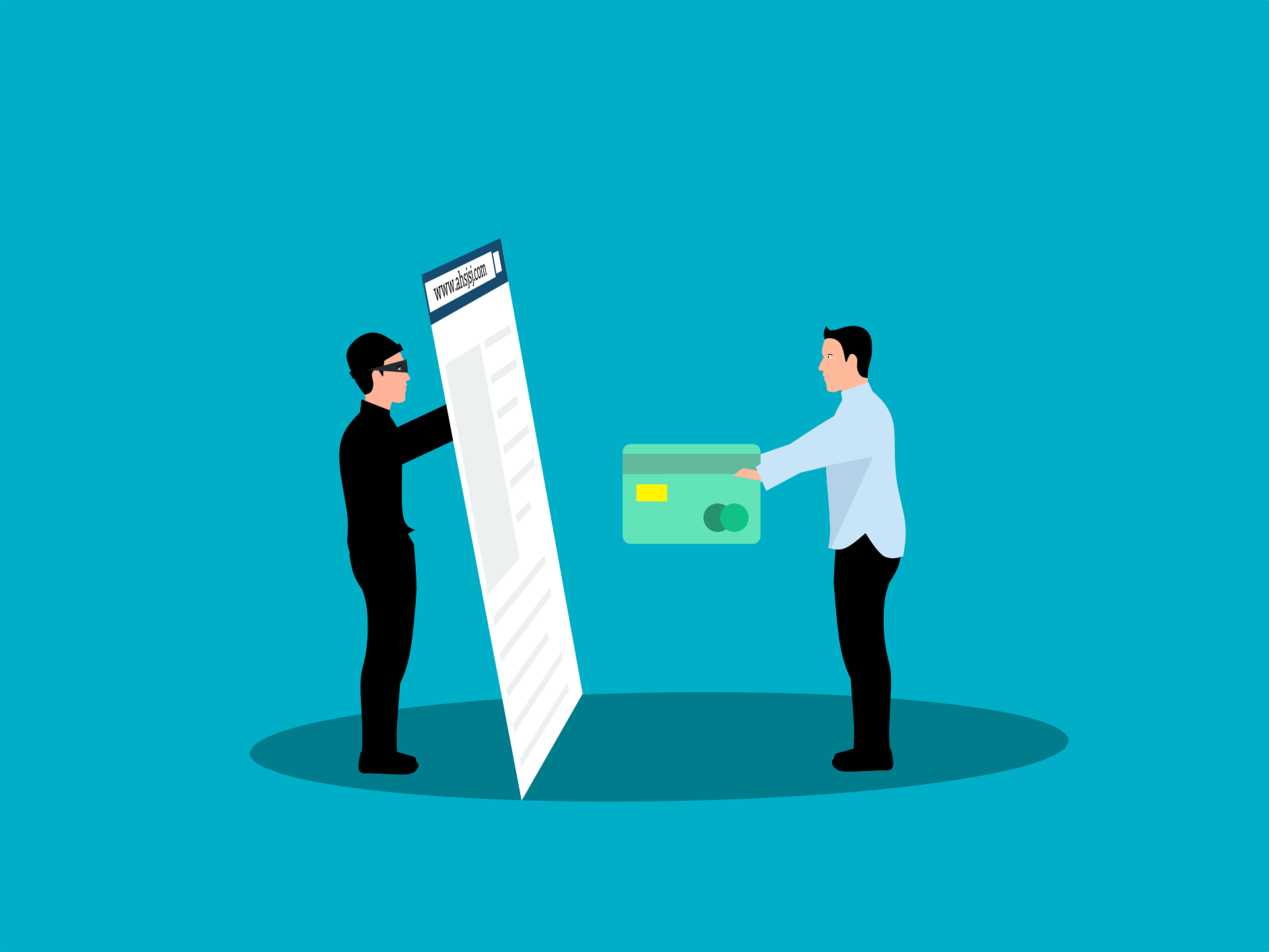
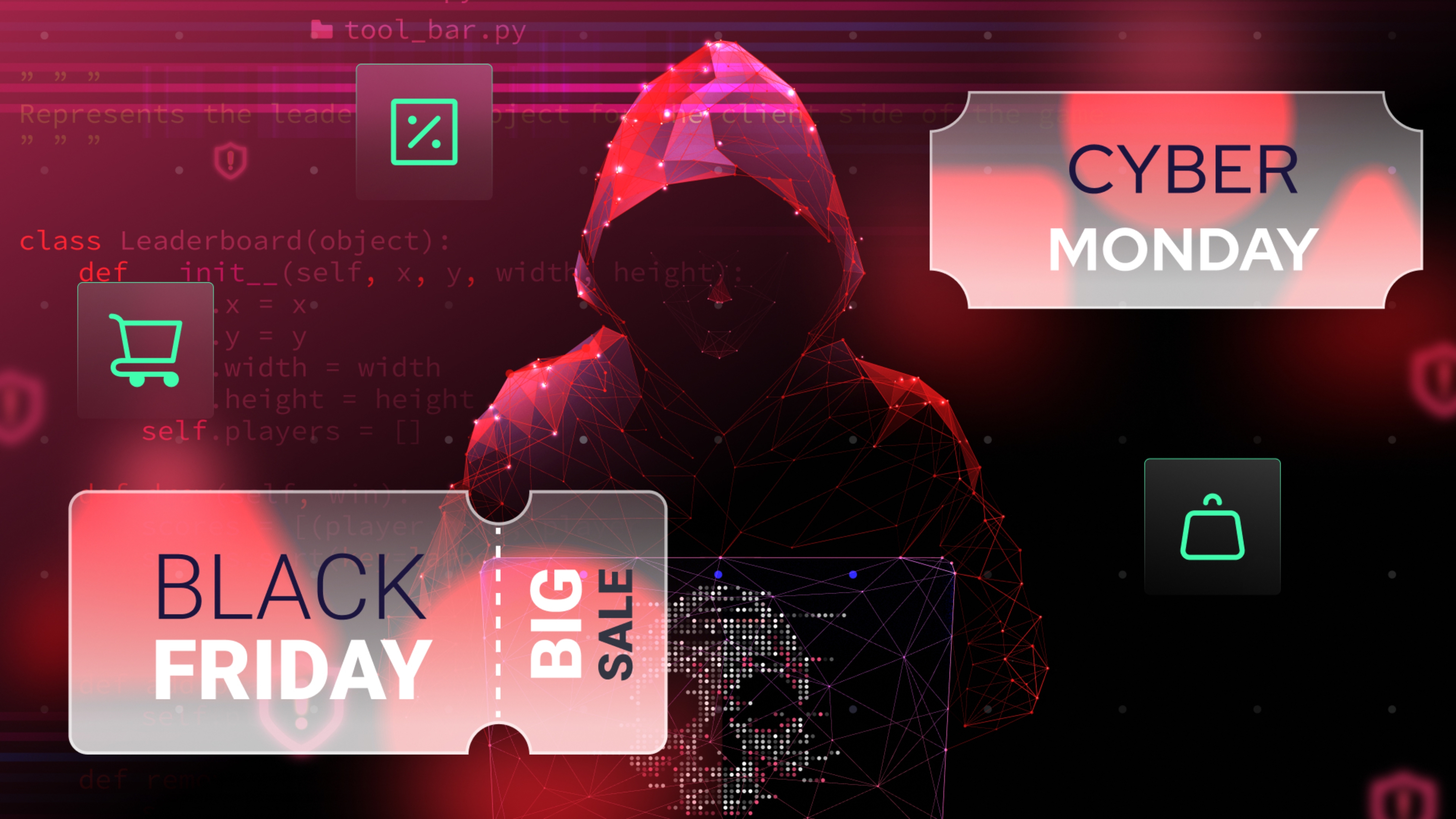
For many Australians, holiday shopping has gone from a trip to the mall to browsing deals online. But as convenience increases, so do the risks. Scammers and cybercriminals intensify their activity during peak shopping seasons, creating fake websites, deceptive ads, and phishing emails designed to steal payment details and personal information.
Each year, government and consumer protection organisations warn shoppers about these threats, especially around peak online shopping times. Password managers and virtual cards are two effective tools that can significantly reduce the risk of fraud during holiday purchases.
This article explains why these tools matter, how to use them wisely, and how Australian consumers can avoid common pitfalls for safer holiday shopping.
Online shopping offers speed and variety, but it also comes with security challenges. Common threats include weak or reused passwords, phishing attacks, data breaches at retail sites, and unauthorised card charges.
• A password manager helps you generate and store unique, strong passwords for every account, making it much harder for attackers to gain access through guesswork or credential stuffing.
• Virtual cards create unique card numbers linked to your real account, so merchants never see your actual card details — helping reduce the risk of financial fraud.
These tools are increasingly recommended by cybersecurity experts because they eliminate common weak points in online shopping security.
Before filling your online cart, it’s essential to prioritise security. Here are practical steps to protect your personal and financial information:
“Password manager” is not a category you want to compromise on. Use a reputable service from well-known providers such as 1Password, Dashlane, LastPass, or Bitwarden. Always download from official sources and avoid third-party app stores to reduce the risk of fake apps.
The master password protects everything else stored in your password manager. Create a long, unique combination of letters, numbers, and symbols — not something easily guessed or linked to you.
Adding 2FA ensures that even if someone discovers your password, they can’t access your account without a second verification step — such as a code sent to your phone or generated by an authentication app.
Many banks and digital wallets let you generate virtual card numbers for online purchases. Use a new card number for each retailer you shop with. This way, if a merchant’s database is compromised, your actual card details remain secure.
Virtual cards often expire after one purchase or within a short time window. Pay attention to card expiration and set spending limits where possible to avoid unexpected charges or declined transactions.
Never click links from unsolicited ads or emails to start shopping. Look for secure URLs beginning with “https://” and a padlock icon in the browser address bar, which indicates encrypted communication between your device and the website.
Even with excellent tools, poor habits can still expose your data. Being aware of common errors can save you from needless headaches.
One of the biggest risks is using the same password across multiple sites. If one site is breached, attackers can test your credentials elsewhere. A password manager helps eliminate this by generating and storing unique passwords for every login.
Public networks are often unsecured, making it easy for cybercriminals to intercept your data. Avoid using public Wi-Fi when shopping online. Instead, use your mobile data or a trusted private network.
Banks and security apps will sometimes notify you about suspicious activities — such as unusual login attempts or card usage. Ignoring these alerts can delay your response and increase the risk of fraud.
While browsers often offer to save credit card information for convenience, this is less secure than using virtual cards. If your browser is compromised, saved card details may be exposed.
To make online shopping both fun and safe, here’s a practical checklist you can follow:
• Use a password manager to create and store strong, unique passwords.
• Enable two-factor authentication on all accounts that support it.
• Generate virtual cards for each merchant.
• Verify secure connections (look for “https://” and the padlock).
• Avoid public Wi-Fi when entering payment information.
• Act immediately on any security alerts or unusual activity.
These simple habits can significantly reduce your exposure to fraud and identity theft.
.jpg)
Challenge 1: Weak or reused passwords are easily compromised, putting personal accounts at risk.
BIT365 Solution: Educate users on unique password creation and implement password manager use across personal and business accounts.
Challenge 2: Cyber criminals exploit unsecured networks and unprotected devices for data theft.
BIT365 Solution: Advise users to avoid public Wi-Fi for sensitive activities and use secure connections or VPNs for added protection.
Challenge 3: Ignoring security alerts delays response to potential fraud or breaches.
BIT365 Solution: Implement policies to act on alerts immediately and provide clear guidance on reviewing and responding to suspicious activity.
• Password managers reduce the risk of credential theft by generating and storing strong, unique passwords. Bit365
• Virtual cards protect your real card details from merchants and potential data breaches.
• Two-factor authentication adds an extra layer of defence against unauthorised access. Bit365
• Avoid shopping on public Wi-Fi to protect sensitive payment information.
• Act on security alerts promptly to mitigate fraud risks.
• Avoid saving sensitive payment data in browsers — use secure tools instead.
🌐 How to Strengthen Your Passwords and Protect Your Accounts in 2025
🌐 Weak Passwords Are Putting Your Business at Risk
🌐 How to Implement Multi-Factor Authentication (MFA) for Your Small Business
Whether you’re gearing up for the holiday rush or managing everyday digital risks, keeping your data safe is crucial. Password managers, virtual card tools, and strong authentication practices make a big difference in protecting your personal and business information online.
BIT365 provides expert guidance on cybersecurity practices, helping individuals and businesses reduce exposure to online threats and build confidence in digital activities. Contact us to learn how to secure your accounts and enjoy safer shopping with peace of mind.
👉 Get Help with Online Security Today: https://outlook.office.com/book/GorgiSerovskiBusinessIT365@blacktownit.com.au
Got IT issues slowing you down? We provide both on-site and remote support across Australia, so help is never far away.
BIT365 offers a full range of managed IT services, including cybersecurity, cloud solutions, Microsoft 365 support, data backup, and on-site or remote tech support for businesses across Australia.
No. While we have a strong presence in Sydney, BIT365 supports businesses nationwide — delivering reliable IT solutions both remotely and on-site.
We pride ourselves on fast response times. With remote access tools and on-site technicians, BIT365 can often resolve issues the same day, keeping your business running smoothly.
BIT365 combines local expertise with enterprise-grade solutions. We’re proactive, not just reactive — preventing issues before they impact your business. Plus, our friendly team explains IT in plain English, so you always know what’s happening.



%20Best%20Practices%20(1).jpg)
.jpg)
.jpg)

.jpg)
.jpg)
.jpg)


.jpg)





.jpg)


%20(3).jpg)




.jpg)










.jpg)