.jpg)
Got IT issues slowing you down? We provide both on-site and remote support across Australia, so help is never far away.
Making your website accessible isn’t just about compliance or avoiding legal issues. It’s about giving every visitor equal access to your content and services and ensuring your business doesn’t lose customers before they even get started.
Accessible websites:
When your digital presence is inclusive, you open the door to customers who may otherwise leave immediately after landing on an unwelcoming page.
It’s easy to assume your website is intuitive simply because it makes sense to you. But what feels natural to one person may be a barrier to someone using assistive tools.
Many people use:
These tools reveal issues that mainstream users might never notice — such as unlabeled buttons, unclear navigation, or poorly structured content.
Inviting feedback from people who use assistive technologies is invaluable. Observing how they interact with your site sheds light on hidden barriers you might otherwise miss. It doesn’t require dozens of testers — even a few sessions with real users can highlight issues that dramatically improve accessibility.
Visual accessibility is often one of the most overlooked aspects of site design.
Millions of people have visual impairments, including:
To support these users:
A contrast ratio of at least 4.5:1 for normal text is a recognised standard for accessibility. Tools like WebAIM’s Contrast Checker make it easy to verify colour choices before publishing content.
Many businesses distribute PDFs, Word files, or PowerPoint slides without considering whether they are accessible.
Accessible documents should include:
Before you upload or send a document, perform a simple accessibility check to confirm it can be read by assistive technologies.
Reading and understanding online content can be difficult for many users — not only those with diagnosed disabilities.
To improve readability:
Simple, uncluttered content is easier for everyone to engage with, not just users with cognitive or learning challenges.
Accessibility is broader than just visuals or text. Many users have:
All video and audio content should have:
These are essential for people who are deaf or hard of hearing, and they are also beneficial for people watching videos on mute or in noisy environments.
Users with limited mobility often navigate with a keyboard alone. Your site should ensure:
These small adjustments dramatically improve accessibility without compromising design.
Accessibility isn’t a one-time project — it’s an ongoing commitment.
Ask visitors for feedback and share an accessibility statement on your site explaining your commitment and support channels. Make it easy for people to report issues, and monitor analytics closely. Pages with high abandonment rates can indicate navigational or accessibility challenges that need attention.
Tools and analytics can highlight patterns, such as:
These signals often point to usability issues that intersect with accessibility.
For many SMBs, accessibility can feel like one more item on a long to-do list. But it’s actually an investment in your reputation.
An accessible digital presence shows:
Accessible design doesn’t mean sacrificing beauty. Thoughtful choices about colour, layout, and language can make your site both visually appealing and welcoming to all.
Here are steps SMBs can take today to improve accessibility:
These actions are simple but can remove significant barriers for users.
.jpg)
Challenge [1]: Users with assistive needs struggle to navigate the site
BIT365 Solution: Implement keyboard accessibility testing and screen reader compatibility to ensure navigation works effectively for all users.
Challenge [2]: Visual contrast and readability issues make content hard to read
BIT365 Solution: Use accessible colour contrast checks and adopt clear font choices to improve readability for people with visual impairments.
Challenge [3]: Videos and audio lack captions or transcripts
BIT365 Solution: Add closed captions and transcripts to all multimedia to support deaf or hard-of-hearing users and improve SEO.
Challenge [4]: Key documents aren’t structured for accessibility
BIT365 Solution: Tag PDFs and documents with headings, alt text, and logical structure so they can be interpreted by assistive technologies.
Challenge [5]: Accessibility not embedded into ongoing updates
BIT365 Solution: Create a continuous review process that includes accessibility checks for all new content and site changes.
🌐 How to Implement Multi-Factor Authentication for Your Small Business
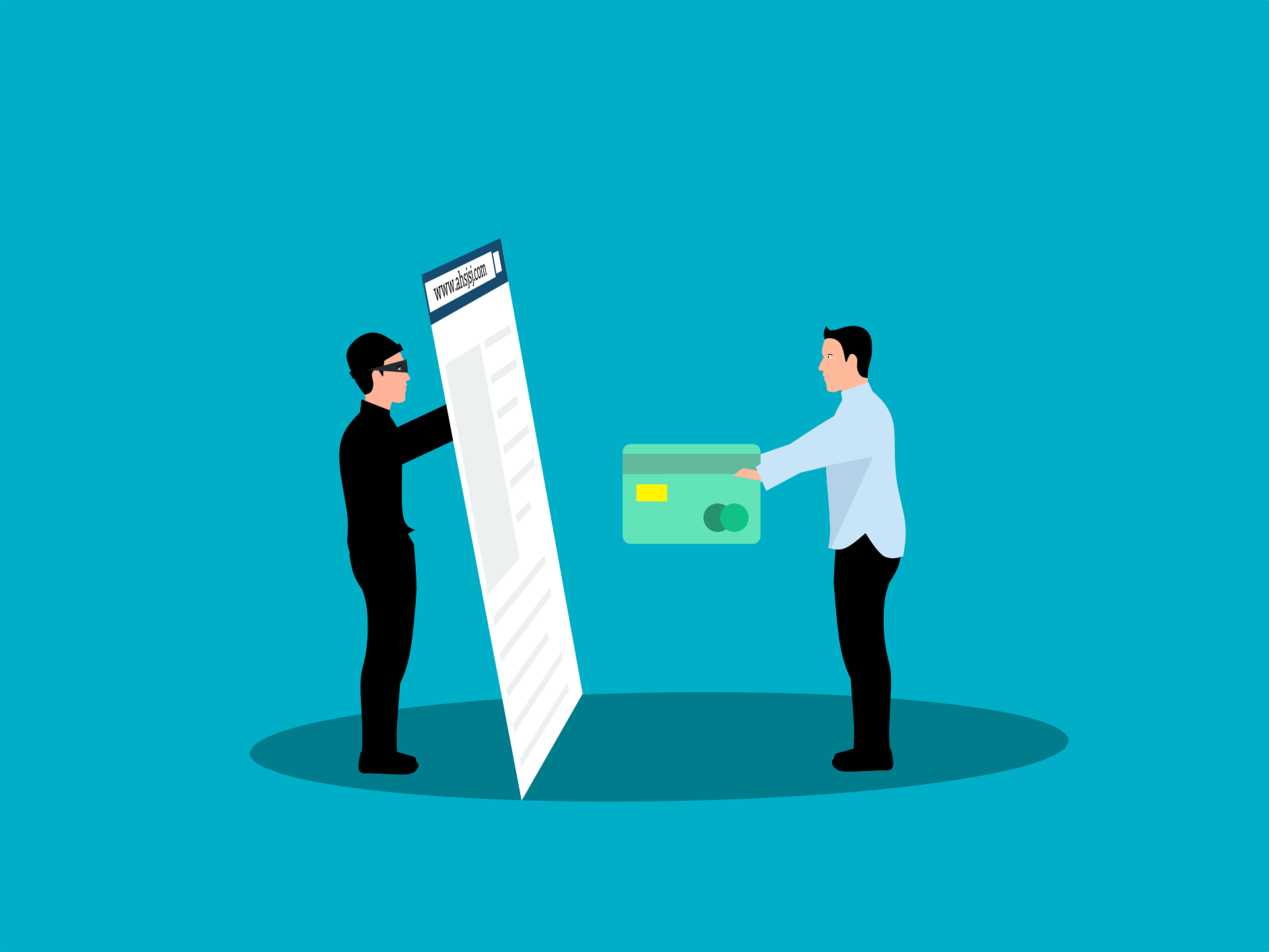
🌐 Stopping Credential Theft in Your SMB
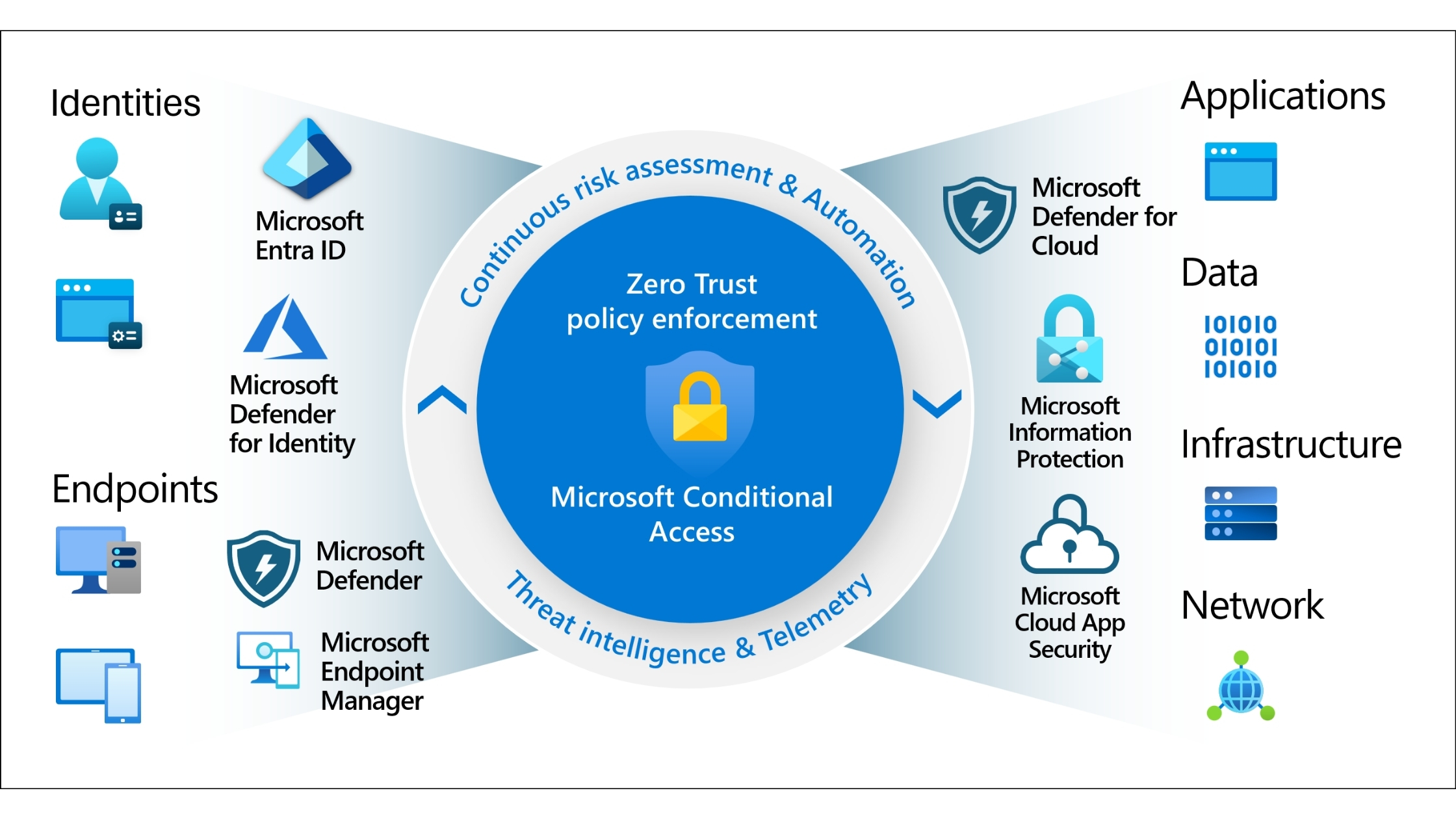
🌐 The Future of SME Cyber Resilience: How to Build a Zero-Trust Environment in 2025
Making your website accessible doesn’t have to be overwhelming. At BIT365, we help Australian SMBs transform their digital presence so it’s inclusive, user-friendly, and aligned with accessibility best practices. From navigation testing to document remediation, we can guide you through each step with practical strategies that improve user engagement and support growth.
Whether you’re launching a new site or upgrading an existing one, our experienced team can help ensure your website is welcoming and effective for everyone. Contact us today and let’s make your digital experience accessible to all.
Got IT issues slowing you down? We provide both on-site and remote support across Australia, so help is never far away.
BIT365 offers a full range of managed IT services, including cybersecurity, cloud solutions, Microsoft 365 support, data backup, and on-site or remote tech support for businesses across Australia.
No. While we have a strong presence in Sydney, BIT365 supports businesses nationwide — delivering reliable IT solutions both remotely and on-site.
We pride ourselves on fast response times. With remote access tools and on-site technicians, BIT365 can often resolve issues the same day, keeping your business running smoothly.
BIT365 combines local expertise with enterprise-grade solutions. We’re proactive, not just reactive — preventing issues before they impact your business. Plus, our friendly team explains IT in plain English, so you always know what’s happening.




%20Best%20Practices%20(1).jpg)
.jpg)
.jpg)

.jpg)

.jpg)


.jpg)






.jpg)



%20(3).jpg)



.jpg)











.jpg)